
How to know when it's time to replace your legal practice management software
Unfortunately, many law firms continue to rely on disconnected systems, manual processes and ageing software that were never designed for today's demands. If any of these sound familiar, it may be time to review your technology.

You're using spreadsheets to fill the gaps
If teams regularly export data into Excel to create reports, monitor profitability or manage workflows, your software probably isn't giving you the visibility you need.

Your systems don't talk to each other
Matter management, accounts, document management and CRM should work together. If staff are entering the same information multiple times, or integrations are limited and keep breaking, valuable time is being lost.

Reporting takes days instead of minutes
Partners shouldn't have to wait until month end to understand firm performance. Modern reporting should deliver real-time commercial insight whenever it's needed.

Billing feels harder than it should
Delayed time recording, manual approvals and slow billing all impact cash flow. Your practice management software should make getting bills out of the door faster, not slower.

You're worried about AI
AI is only as effective as the data behind it. If your information is fragmented across multiple systems, your firm may struggle to take advantage of future AI capabilities.

Poor support, forced migrations and expensive upgrades
If you're receiving poor support, facing costly upgrades, being forced to migrate to a new platform or seeing little investment in new features, it may be time to look elsewhere and review your options.
Features that actually make a difference
What features actually matter?
Long feature lists rarely tell you how well a system will support your firm.
Focus on the capabilities that improve productivity, visibility and decision-making.
Essential capabilities
- Matter management
- Legal accounting
- Time recording and billing
- Workflow automation
- Real-time reporting
- Dashboards
- Secure cloud access
- Open integrations
- Mobile access
- Configurable workflows
- Role-based security
- Audit trails
- AI-ready architecture
Choose software that strengthens your operations rather than simply adding more functionality.
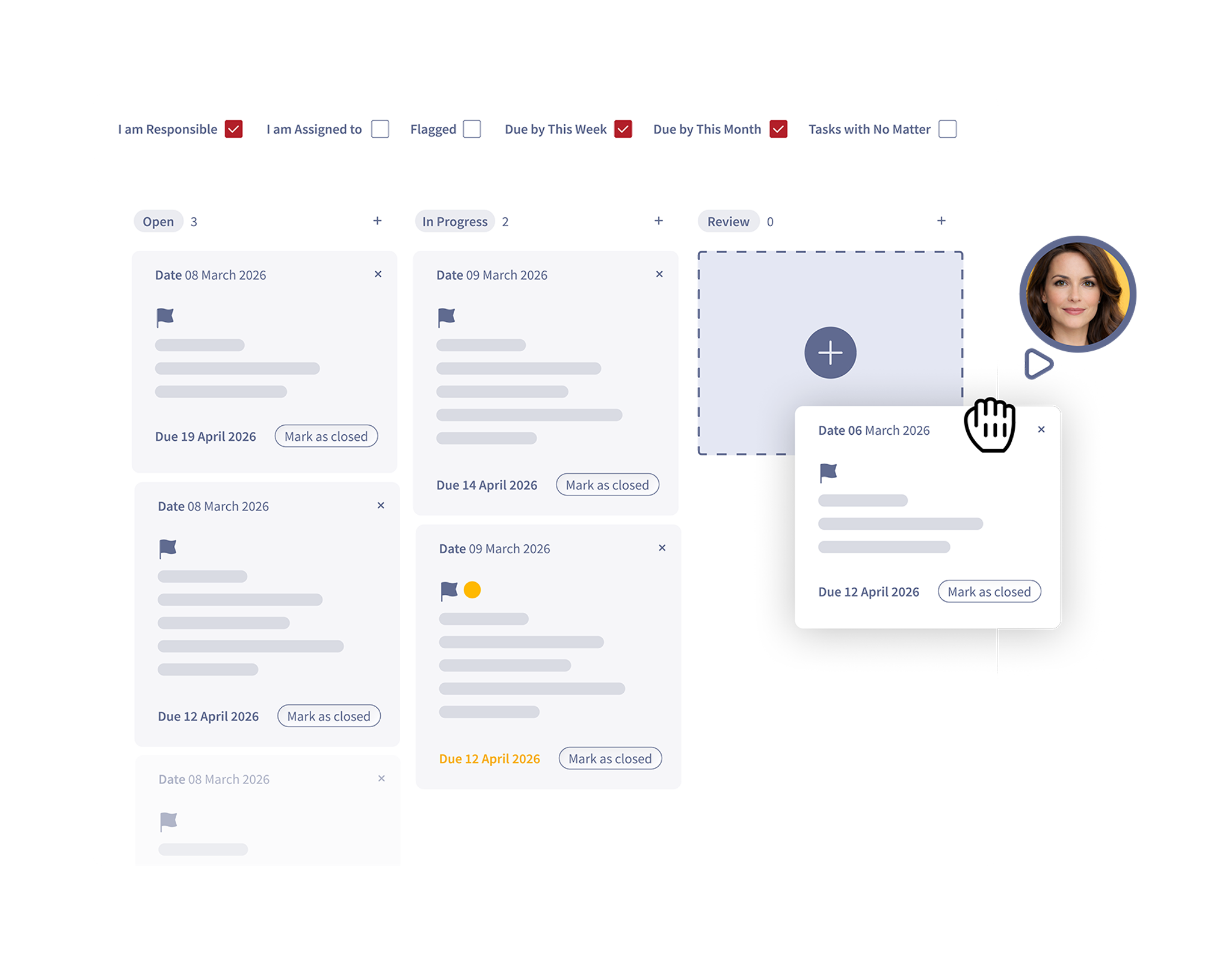
Which integrations are the most important?
Rather than counting integrations, focus on whether the platform connects with the systems your firm depends on today and the technologies you'll want tomorrow.
Key integrations to consider
- Microsoft 365 and Outlook
- Document management systems
- Digital payments
- AML and identity verification
- Banking platforms
- Business intelligence tools
- Marketing platforms
- AI and automation tools
An open API strategy gives your firm the freedom to choose the right technology for every part of the business.
Where is your firm today?
The legal technology maturity model
Every firm is on a different technology journey. Understanding where you are today can help you identify the right next step.

Level 1: Legacy
What it looks like
Disconnected systems, manual processes, spreadsheet reporting and limited visibility.
Your next priority
Move to a cloud-native platform that centralises matters, finance and reporting.

Level 2: Connected
What it looks like
Core systems are integrated, information flows more freely and reporting is improving.
Your next priority
Expand integrations, automate routine workflows and create a single source of truth.

Level 3: Optimised
What it looks like
Automated processes, live dashboards and consistent data support better business decisions.
Your next priority
Increase efficiency through advanced reporting, automation and continuous improvement.
Level 4: AI-ready
What it looks like
Clean, connected data, cloud-native infrastructure and open integrations provide the foundation for AI and future innovation.
Your next priority
Safely introduce AI assistants, predictive insights and intelligent automation across the firm.
How do we avoid buying software we'll outgrow?
A practice management system should support your business for many years, not just solve today's challenges.
Look for a platform that evolves with your firm through regular innovation, flexible workflows and an open approach to integrations.
Choose a platform that offers
- True cloud-native architecture.
- Regular feature releases.
- Configurable workflows.
- Open APIs.
- Strong reporting.
- Scalable infrastructure.
- An AI roadmap.
Future-ready technology is often the most cost-effective investment in the long term.

Cloud-native, cloud-hosted or on-premise?
Not all cloud software is created equal.
Understanding the differences can help you make a better long-term investment.

☁️ Cloud-native
Built specifically for the cloud from the ground up.
Benefits
- Automatic updates
- Better scalability
- Modern integrations
- Faster innovation
- Supports AI development
- Lower infrastructure costs
Best for: Firms planning for long-term growth.

🖥️ Cloud-hosted
Traditional desktop software hosted on remote servers.
Benefits
- Familiar user experience
- Reduced internal server management
Considerations
- Often retains legacy limitations
- Slower innovation
- Limited flexibility
- Can require more maintenance
Best for: Firms making a gradual transition from legacy systems.

🏢 On-premise
Software installed on servers within your own offices.
Benefits
- Complete infrastructure control
- Only suitable for firms with specialist requirements
Considerations
- Higher IT costs
- Manual upgrades
- Hardware maintenance
- More difficult remote working
- Slower access to new functionality
Best for: Firms with very specific infrastructure needs or extremely strict regulatory requirements.
Will my new legal practice management software work with AI?
AI depends on high-quality, connected data.
If information is scattered across disconnected systems or locked inside legacy software, AI has very little to work with.
Preparing for AI starts with modernising your operational foundation.
An AI-ready platform should provide
- Clean, connected data.
- Open APIs.
- Automated workflows.
- Secure permissions.
- Real-time reporting.
- Cloud-native architecture.
The question isn't only whether your software includes AI today. It's whether it will also support the AI tools your firm adopts tomorrow.

Working out the total cost of ownership for legal practice management software
Questions to ask during your demo
A great demo should show how the software works for your firm, not just what it can do. Ask suppliers to demonstrate real-world workflows and compare every vendor using the same questions.
- Ease of use: Is it intuitive? How quickly can users complete everyday tasks?
- Reporting: Can we create real-time dashboards and reports?
- Automation: What processes can be automated, and how easy is it to configure?
- AI: What AI features are available now, and what's on the roadmap?
- Integrations: Does it connect with our existing systems and offer open APIs?
- Migration: How will our data be migrated, and what support is included?
- Support: What training, onboarding and ongoing support do you provide?
Top tip
Ask suppliers to show you how key tasks are completed, rather than simply telling you they can be done. Real demonstrations make it much easier to compare solutions objectively.
Migration considerations when moving to new legal practice management software
Continue your research
Choosing a legal practice management system is a significant decision. Explore our practical guides to help you compare options, plan your project and build the right technology foundation for your firm's future.
Compare cloud hosting options
Choosing the right platform for your law firm starts with understanding the differences between legacy, cloud-based and cloud-native legal practice management software. This guide explores how each approach impacts security, scalability, integrations, remote working, AI readiness and long-term operational efficiency.

Best-of-breed vs all-in-one legal technology
Should one platform do everything, or should your systems work together? Explore the pros and cons of each approach.

What processes are mid-market law firms automating and where should you start?
Explore how workflow automation can improve efficiency across your firm, the processes worth automating, and why a cloud-native practice management platform provides the strongest foundation for future innovation and AI.
Legal tech insights from the Tessaract team

Why data driven fee earners are a competitive advantage for law firms
Law firms have never had more data. The challenge is making sure the right people can access the right information at the right time. Our Mind the Delivery Gap research, produced in partnership with LPM, found that 79% of firms believe their management information supports decision making effectively, and 80% say leadership has sufficient visibility into firm performance. However, there is a significant disconnect. Only 14% of respondents said the information they need is always available, and 29% believe providing better insight to fee earners should be an essential investment priority.


When systems don't connect, your IT team becomes the integration layer
They appear as a report that needs to be manually reconciled before it can be trusted. A user raises another support ticket because two systems show different information. A spreadsheet quietly becomes essential to a core process. A member of the IT team is asked to extract, reformat and move data between applications because there is no reliable way for it to flow automatically.

Measuring matter profitability remains a challenge for law firms
Every pricing decision, hiring decision and growth plan depends on understanding one thing: which matters actually make money. Yet our Mind the Delivery Gap research, produced in partnership with LPM, found that only 18% of firms are completely confident in their ability to assess matter profitability. A further 38% say their view is inconsistent or inaccurate, while 67% of leaders report that users experience frustrations with their core systems.

Can your law firm grow without adding more operational pressure?
Growth is firmly on the agenda for mid-size UK law firms. According to Mind the Delivery Gap, our research completed in partnership with LPM. 44% expect moderate organic growth, 33% are pursuing geographic growth and 20% anticipate growth through mergers and acquisitions.

Does legal practice management software need accounting?
When law firms replace their legal practice management software, accounting is increasingly becoming part of the same conversation. Our recent discussions with law firm buyers show firms looking for systems that combine practice management, legal accounting, billing and client money management, rather than treating finance as a completely separate technology decision.

Mid-size law firms flock to the cloud: Why cloud native software is now your best bet
The legal sector is entering a new phase of digital transformation. What was once considered a gradual shift toward cloud technology has now become a clear industry movement.

What is legal practice management software and what should it actually do?
Choosing legal practice management software is one of the most important technology decisions a law firm can make. Yet many firms still evaluate systems based on feature lists alone.

Is technology becoming a deciding factor for potential employees?
Recruiting and retaining talent remains a persistent challenge for mid-size law firms. They are competing with larger firms that can often offer higher salaries, structured career progression, and more established remote working options.
What processes are mid-market law firms automating and where should you start?
One of the greatest benefits of modernising your practice management software is the ability to automate more processes across your firm. Automation helps streamline operations, eliminate workarounds, and reduce manual tasks that otherwise occupy fee earners and support staff’s precious and often, expensive time.
Building the perfect tech ecosystem: Why a best-of-breed stack often beats the all-in-one myth
It’s easy to understand the appeal of the one ring to rule them all software: one partner, one login, one support contact, one magic piece of kit that delivers everything you ever wanted…